
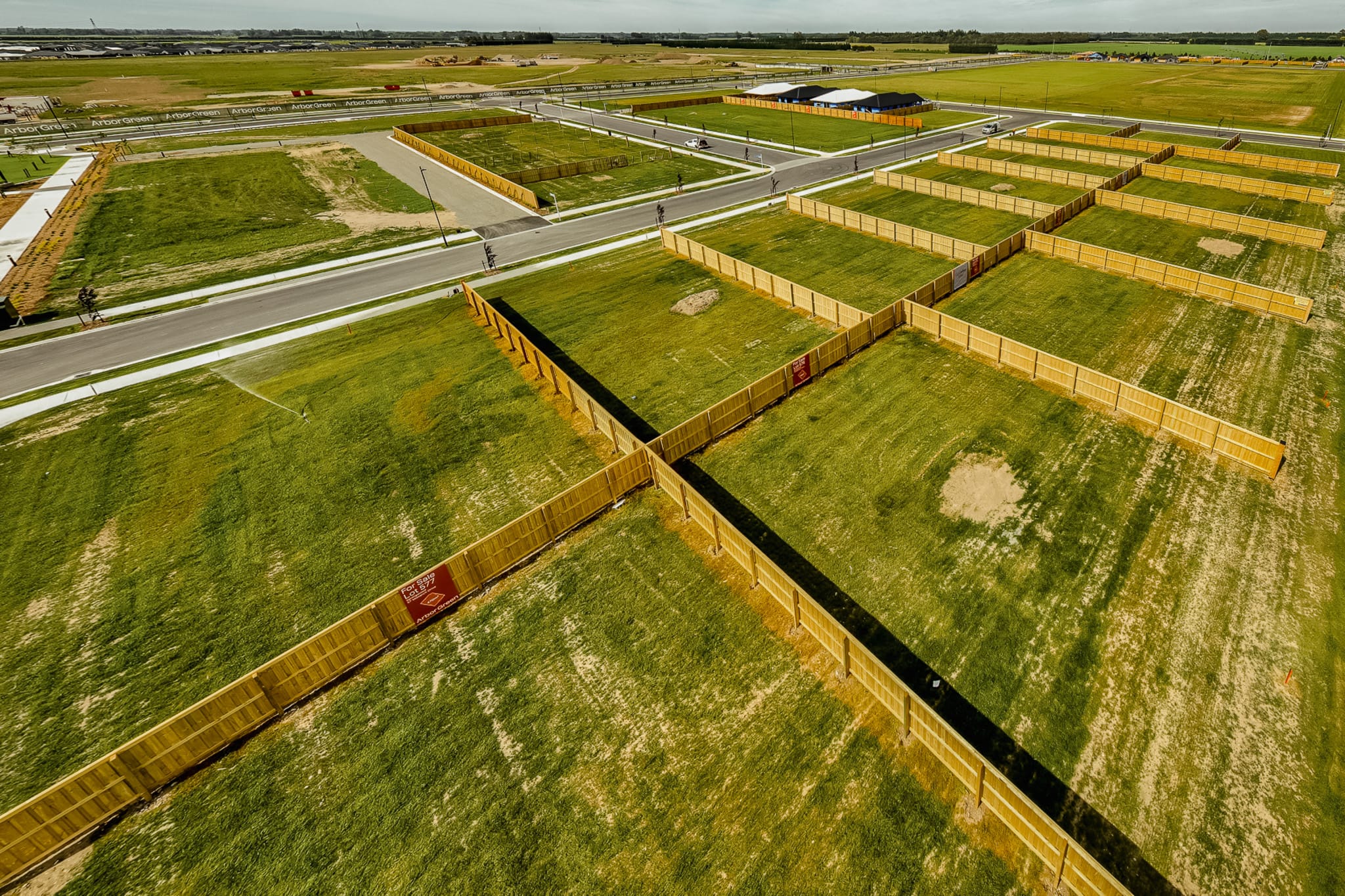
A subdivision plan does a lot of selling. It’s often the first thing a buyer looks at, and the thing they come back to when deciding which lot to ask about. When the plan is out of date, it works against you.
Most developments start with a site plan exported as a PDF or image. It looks fine on launch day. Then lots go under offer, prices change and a stage sells out. Every change means a new file, a new upload and someone remembering to do it.
Where static plans fall short
A static plan can’t keep up with a live release. The problems are easy to recognise:
- Sold lots still showing as available, so buyers enquire about land they can’t have
- Prices kept in a separate list, so buyers flick between documents to compare
- Updates waiting on a web developer, leaving the wrong plan online for days
- Different versions on the website, in brochures and on agents’ screens
None of these is a big problem on its own. Together they cost time, and they make a development look less organised than it is.
What buyers want
- Which lots are still available
- Price and size at a glance
- Where each lot sits in the development
- Confidence that what they see is current
What your sales team wants
- One place to update lot status
- Changes that show up straight away
- No waiting on a developer
- Fewer enquiries about sold lots
Making the map the source of truth
An interactive map puts the lot information on the plan itself. Buyers click a lot to see its price, size and availability. When a lot sells, your team changes its status and the map updates wherever it’s embedded.
Setting one up takes three steps:
- Upload your plan. Start from the site plan you already have.
- Trace and assign lots. Outline each lot and add its details, such as price, size and status.
- Embed the map. Add it to your website with one line of code. Updates sync wherever it appears.
A simple routine for busy release periods
A map is only as current as its last update. A few habits keep it that way:
- Update a lot’s status as soon as it goes under offer, not at the end of the week
- Give one person ownership of the map, with a backup for when they’re away
- Check the live map after any price change
- Use the same map in sales meetings so everyone works from the same picture
Getting started
Subdivision Map Maker is built in New Zealand for developers, sales teams and the agencies that build their websites. Plans start at $50 NZD a month for up to five maps.
Create an account to build your first map, or watch the demo to see how it works.